display australia logo

digital signage for schools & classroom touchscreens

  • Enhance Engagement
  • Promote Interaction
  • Retain Focus
Increase engagement in the classroom with cutting edge digital signage for schools made for education.
signage for classroom digital signage for schools

What Are Interactive Displays for Education?

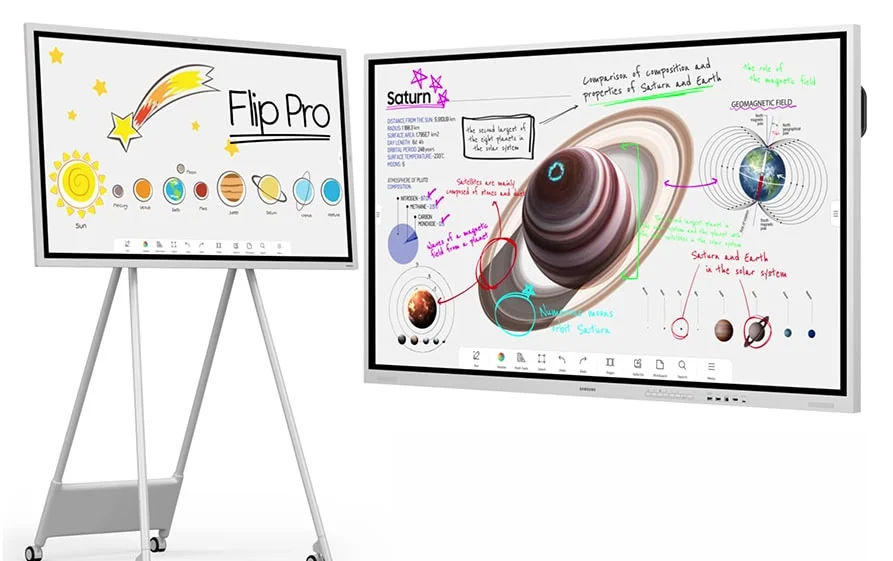
An interactive display (often called a "smart board" or "IFPD" - Interactive Flat Panel Display) is essentially a giant tablet mounted on a wall or mobile stand.

Unlike standard televisions, these panels are built with toughened glass to withstand the rigours of a classroom environment and feature multi-touch technology that allows several students to write, draw, or manipulate content simultaneously.

Most modern displays come with built-in operating systems (usually Android), meaning they function independently of a laptop. However, they also offer seamless connections for teachers to plug in their Windows or Mac devices, or cast their screens wirelessly.
digital display interactive boards education classrooms display australia

Interactive Displays vs. Digital Signage: What’s the Difference?

digital signage for schools display australia

Interactive Displays

Interactive Displays are "input" devices. They are designed for collaboration, allowing users to write, annotate, and manipulate data. They belong in classrooms, libraries, and breakout rooms.


  • Primary Function: Collaboration and creation.
  • The Tech: Bonded glass (for durability and writing feel), 20+ points of touch, and built-in Android operating systems.
  • Location: Classrooms, meeting rooms, libraries, and huddle spaces.
classroom signage digital signage solutions for schools

Digital Signage

Digital Signage is an "output" tool. These screens are generally non-touch and are used to broadcast information. You will find them in hallways, canteens, and reception areas displaying newsletters, emergency alerts, or wayfinding maps.


  • Primary Function: Broadcasting information and mass communication.

  • The Tech: High-brightness commercial panels (often 500+ nits) rated for 16/7 or 24/7 operation. They run "Content Management System" (CMS) software like Fusion Signage.

  • Location: Hallways, reception areas, canteens, staff rooms, and gymnasiums.
Key Features Schools Should Look For

Google EDLA Certification
Many new panels (like the Samsung WAD) are now "Google EDLA" (Enterprise Devices Licensing Agreement) certified. This means they have the official Google Play Store built-in, allowing seamless access to Google Classroom, Drive, and Docs directly from the screen without needing a laptop.
Multi-Touch Points
Look for a minimum of 20 touch points. This ensures that multiple students can draw on the board simultaneously without the system lagging or getting confused.
Wireless Casting
The ability for students to throw their iPad or laptop screen onto the main display is vital. Look for panels that support AirPlay, Google Cast, and Miracast natively.
Eye-Care Technology
With students staring at screens for hours, flicker-free technology and low blue light filters (hardware-based) are essential to prevent eye strain.
Remote Device Management (RDM)
For IT teams managing 50+ screens across a campus, RDM is non-negotiable. It allows you to push updates, turn off screens, or broadcast emergency messages from a central office.
Ready to Upgrade Your Classrooms?
At Display Australia, we specialise in education fit-outs, from single library upgrades to campus-wide rollouts.

The benefits of digital signage for schools

Enhanced Campus Communication
Digital signage for schools provides real-time updates and important announcements, ensuring that students, staff, and visitors are always informed about school events, safety information, and other important messages.
Engaging Learning Tool
These displays can be used to show educational videos, interactive lessons, and other multimedia content, making the learning experience more dynamic, engaging, and visually stimulating for students.
Lower Total Cost of Ownership (TCO)
While the upfront cost of a panel is higher than a projector, the running costs are significantly lower. Projectors require bulb replacements, filter cleaning, and regular recalibration. Interactive panels are sealed units rated for 50,000+ hours of use (roughly 10+ years in a school setting).

Best digital signage for schools & Education Precincts

interactive displays touch displays digital signage

Interactive/Touch Displays

Revolutionise engagement with state-of-the-art interactive displays that provide hands-on experiences, fostering a deeper connection and enhancing satisfaction through immersive interaction.
outdoor digital signage displays high brightness displays

Outdoor Displays

Capture the attention of your students in any weather condition with rugged outdoor displays designed for high visibility even in bright sunlight, ensuring your messaging remains clear and impactful.
indoor digital signage displays

Indoor Displays

Transform your business environment with vibrant indoor displays that captivate students, enhance your messaging, and create an engaging atmosphere that encourages fulfilling interaction.

looking for something bigger?

LED Displays

Create a bold statement with an All-In-One LED Display featuring high picture quality and easy installation.
Contact Us

video walls

Create a unique, large format viewing experience with video wall, elevating any business setting and creating a lasting impact.
Contact Us

Which Screen for Which Space?

Not every classroom needs the same technology. A Year 1 classroom has vastly different requirements to a University engineering lab. Below is a guide to matching the right hardware to your specific learning environment.

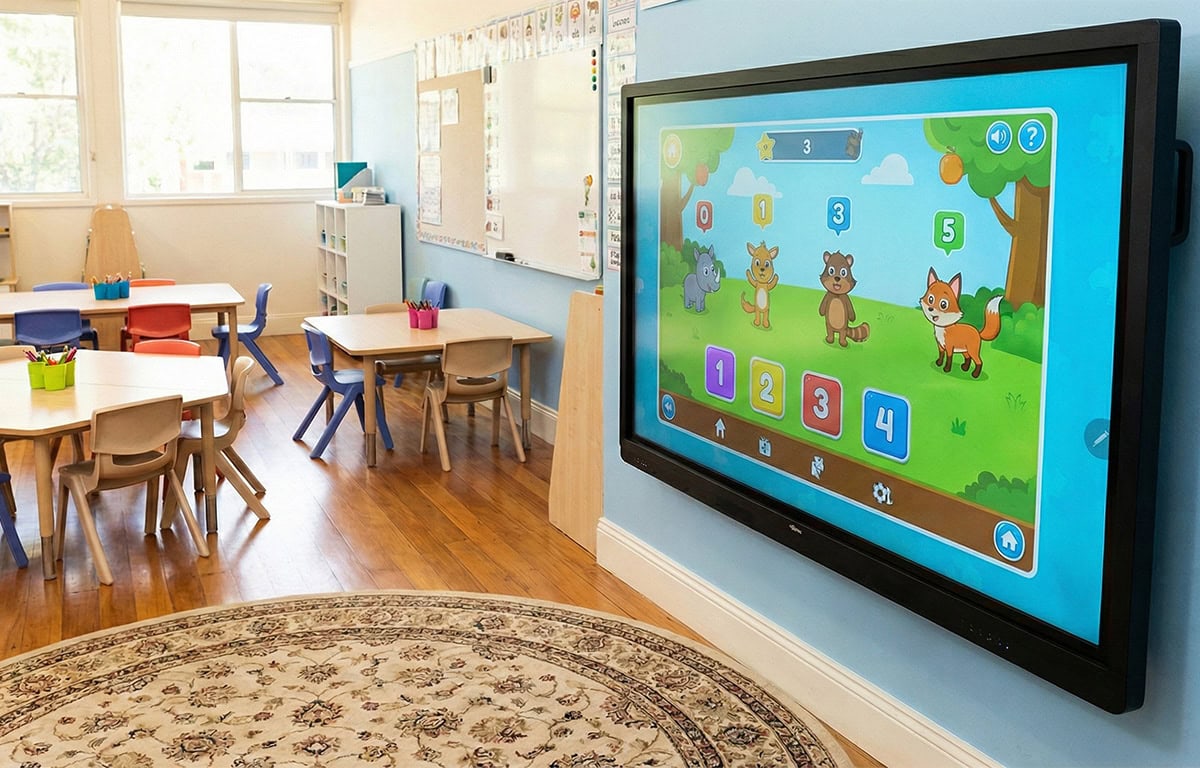
Primary Schools (K-6): The Foundation of Learning

In the primary years, technology needs to be approachable, intuitive, and, above all, tough. Young students are hands-on learners, meaning screens are often subjected to enthusiastic tapping (and occasional banging).

The priority here is durability and simplicity. Teachers need "walk up and use" capability, they shouldn't need to navigate complex menus just to start a whiteboard session. Look for screens with bonded glass, which not only provides a natural writing experience but adds a layer of impact resistance.
digital display screens for schools interactive displays
digital signage for education

Secondary Schools (7-12): The Collaboration Hub

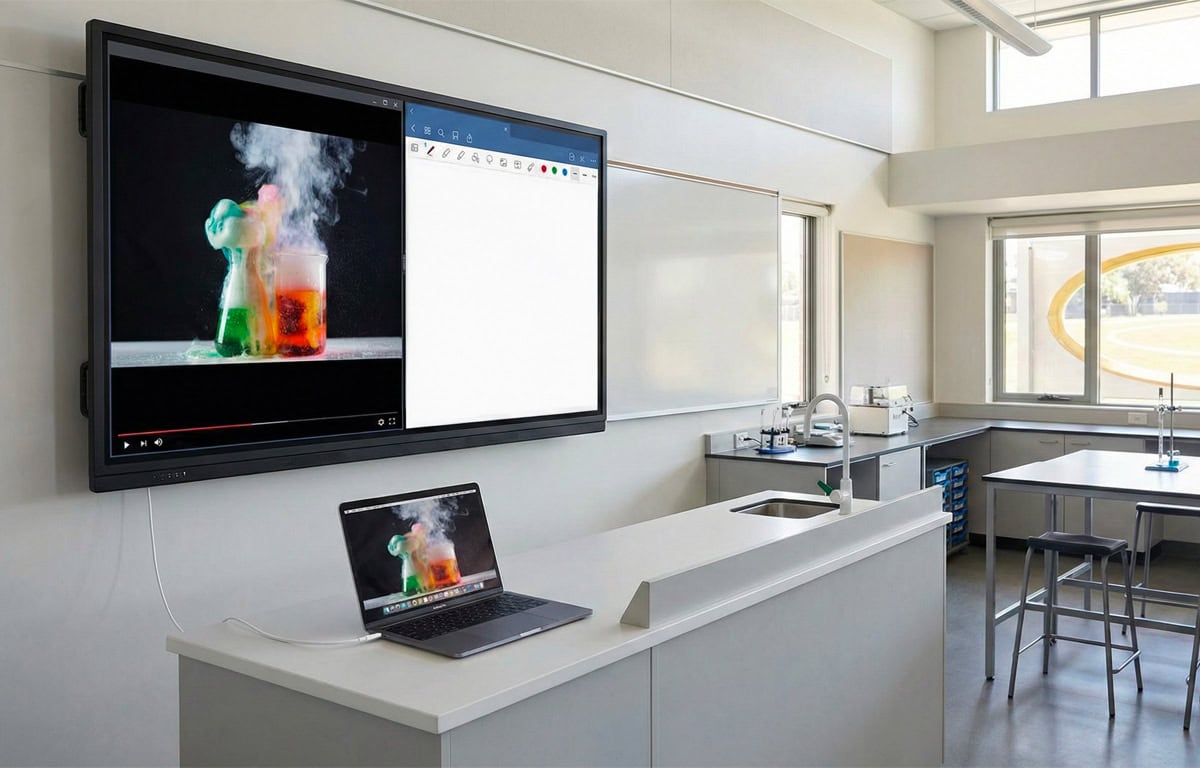
As students progress to high school, the focus shifts to multitasking and connectivity. The modern secondary classroom is a BYOD (Bring Your Own Device) environment.

Teachers need the ability to pull up a video on one side of the screen while annotating equations on the other, keeping students engaged with dynamic content. Connectivity is king here: USB-C is the new standard, allowing a teacher to connect their laptop with a single cable that handles video, touch, and power simultaneously.

This eliminates cable clutter and ensures lessons start the moment the bell rings.

Higher Education & Huddle Spaces: The Agile Classroom

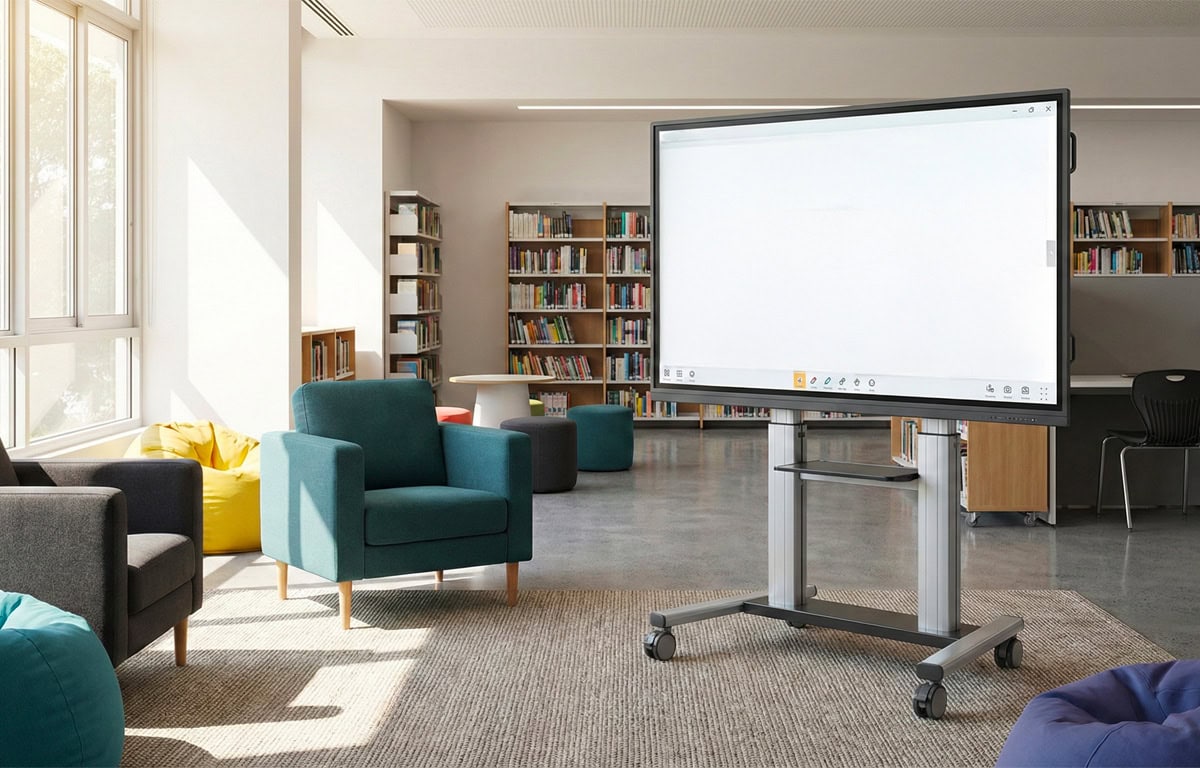
Modern classrooms emphasise small-group collaboration. For libraries, common rooms, and breakout zones, the key requirement is agility.

Fixed wall-mounted screens limit flexibility. Instead, we recommend smaller panels (typically 55–65 inches) mounted on high-quality mobile trolleys. This allows students to wheel the technology into a quiet corner, connect their devices wirelessly, and work on group projects without dominating the main classroom display.
signage for classroom digital signage for schools

completed digital display projects

Hospitality, QSR

Sana Mediterranean Rozelle

Corporate

Independent Monitoring Consultants

Hospitality

Little Island Hungry Sea

Why digital signage for schools?

Digital technology has shifted from being a distraction in the classroom to the very foundation of how Australian students learn and collaborate.

From front-of-class interactive panels to campus-wide digital signage, the right display solutions empower teachers and captivate the digital-native generation.
Cost Effective & Sustainable
By reducing the reliance on printed materials or expensive projectors, digital displays help schools save on costs and promote eco-friendly, reliable practices, contributing to a more streamlined learning environment.
Instant, Campus-Wide Communication
Paper notices are often ignored or outdated by the time they are pinned up. Digital signage ensures that critical information, from bus delays to room changes, reaches the entire school population instantly.
Kinetic Learning & Higher Engagement
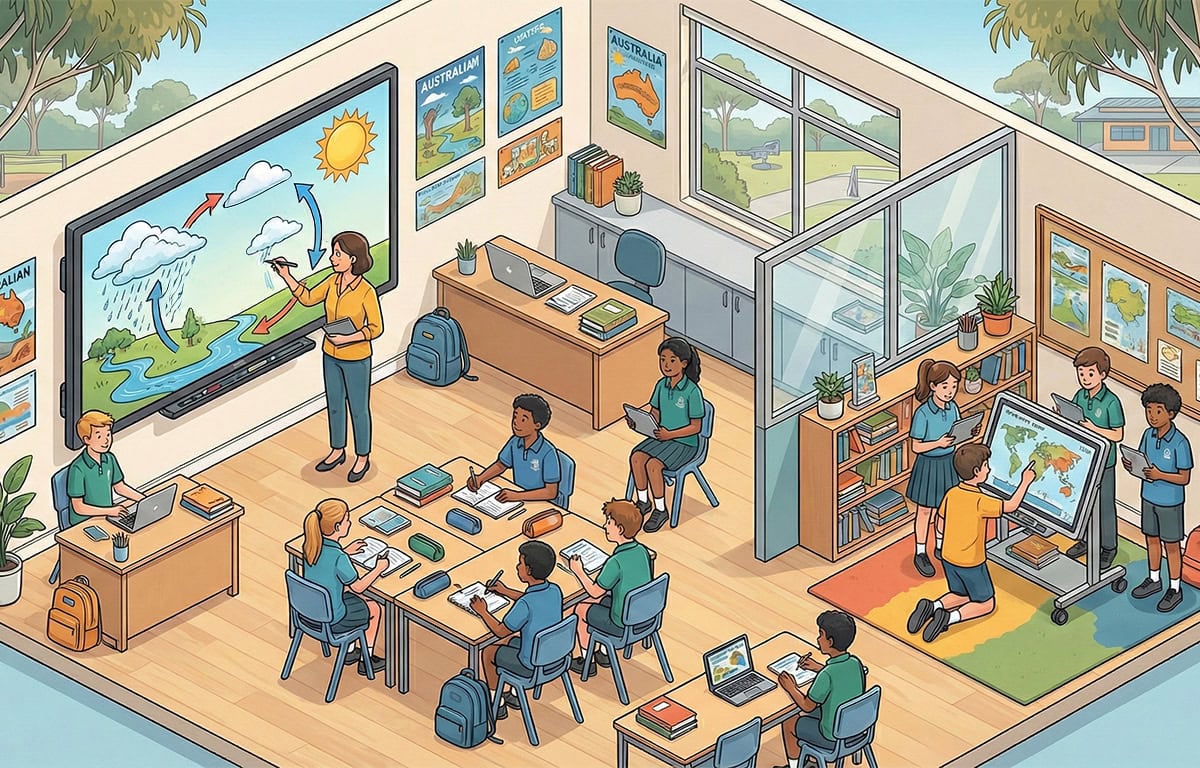
Interactive displays turn passive listeners into active participants. With 20+ points of touch, multiple students can stand at the board simultaneously to solve maths problems, manipulate 3D biology models, or drag-and-drop sentence structures.
Critical Safety & Emergency Overrides
This is the most significant "duty of care" feature for modern schools. Digital signage platforms can integrate with your school's emergency system.
Digital Display Australia is part of Get Noticed Media Pty Ltd.
©Digital Display Australia & Get Noticed Media
display australia logo
contact Our Sales Team
Product Page Form