









EasySignage is a cloud-based digital signage CMS you run from a web browser. There's no media server to install and no software to maintain on-site. You log in, drag your content onto a canvas, schedule it, and send it to your screens.
It runs on Google Cloud with 99.9% uptime. Your screens keep playing even if your internet drops, then sync the moment they reconnect. For a single café menu board or a national retail network, the platform is the same — you just add screens as you grow.
Because it's cloud-based, there's nothing for your IT team to host or patch. Updates happen automatically, and you control every screen from the same dashboard whether it's in the next room or another state. Adding a new screen takes minutes, not weeks of provisioning.
Each screen runs a lightweight player that caches your content. If the connection drops, the screen keeps showing the last schedule, then pulls the latest version as soon as it's back online. You're never left with a black screen in front of customers.
Easy enough that your whole team can use it.
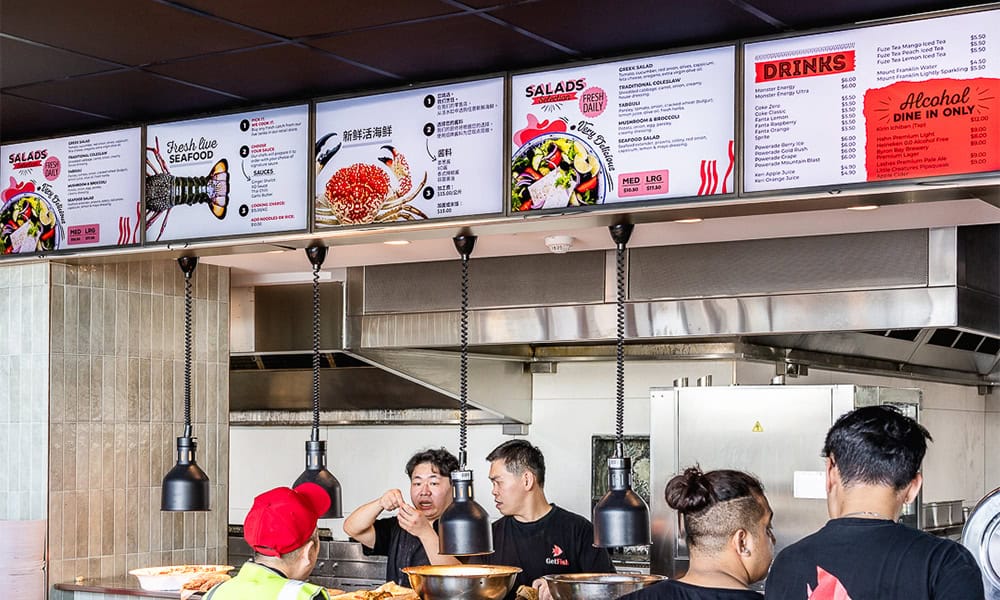
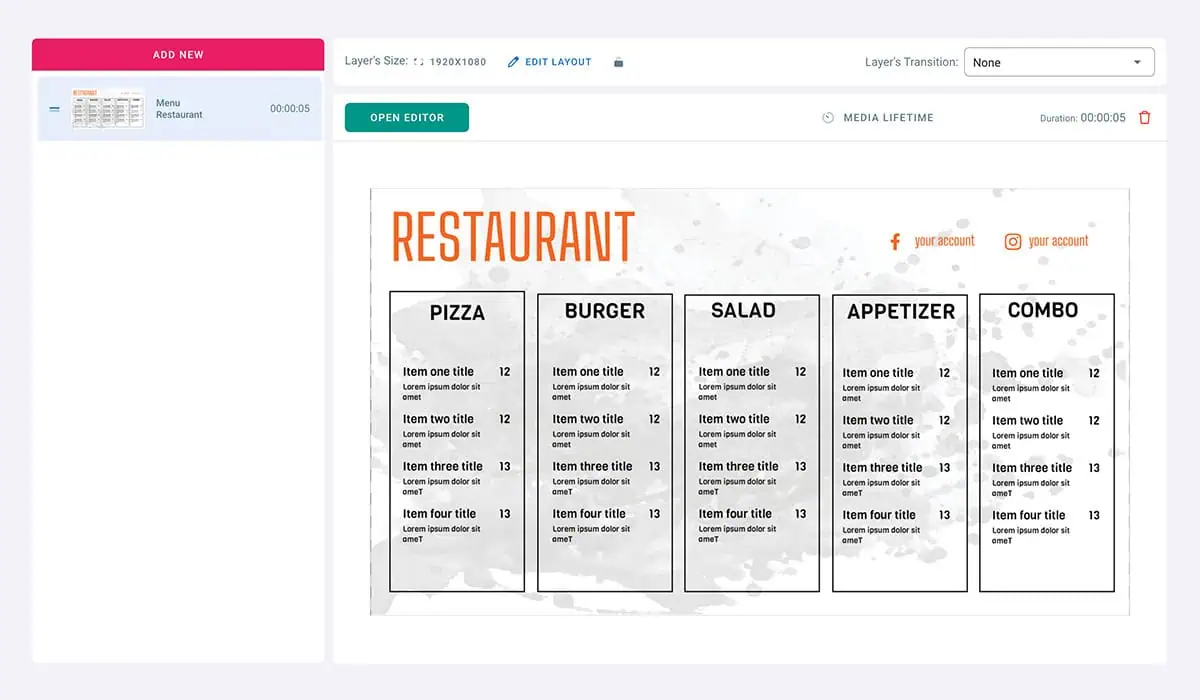
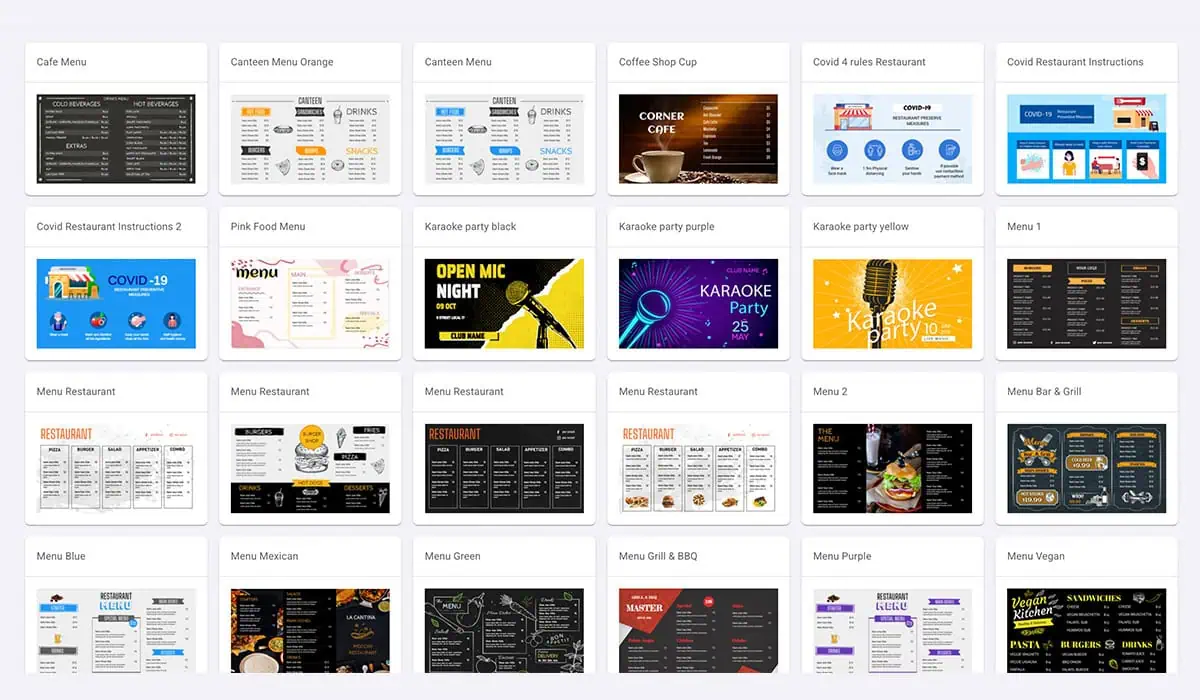
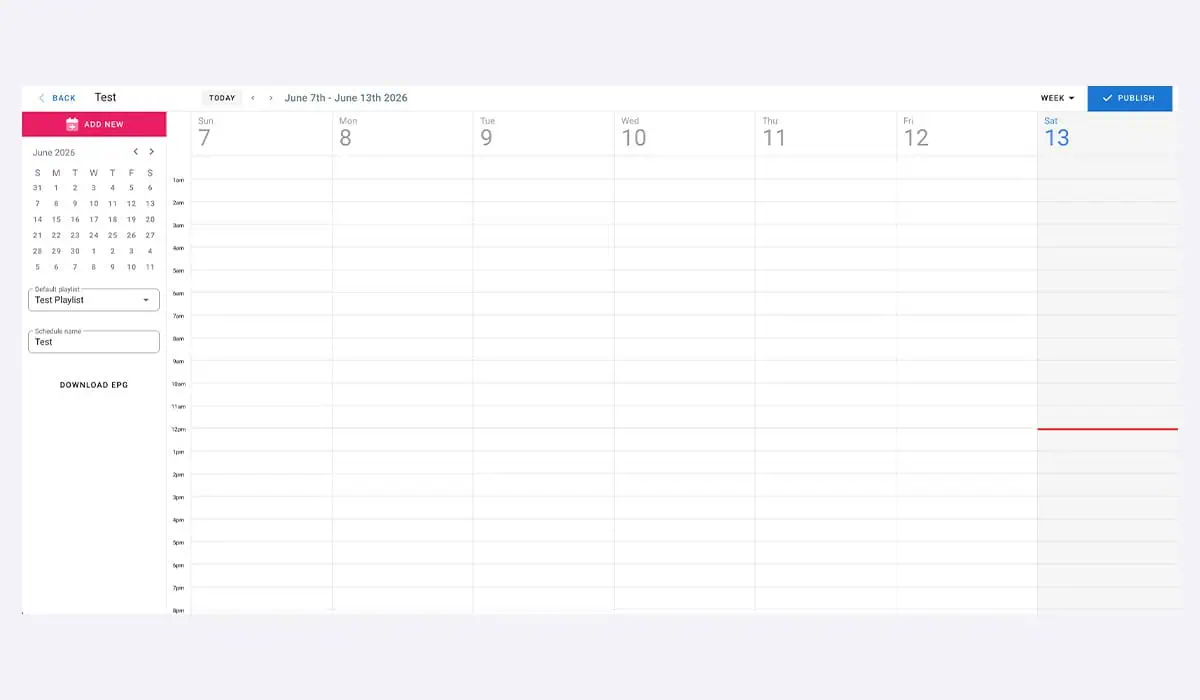
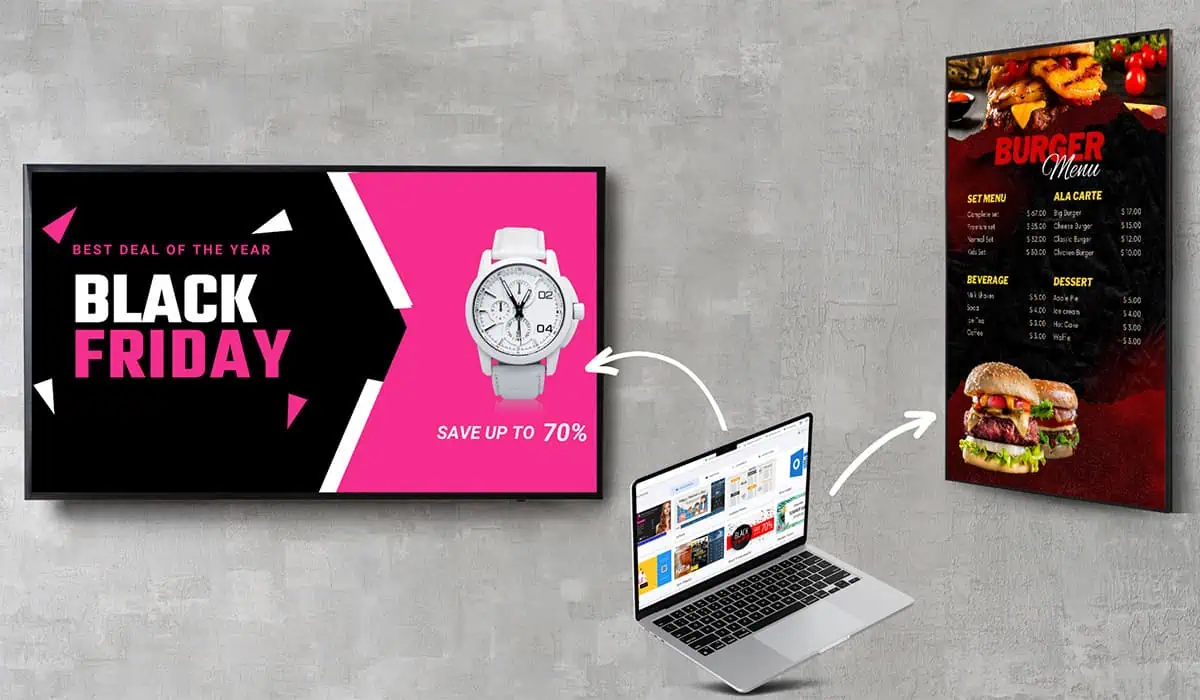
You don't need a designer or an IT person. Most people build their first screen in under five minutes, then update it from a phone whenever they like. If your team can use a slideshow tool, they can use Easy Signage. Build a layout, drop in images or video, add a live app like weather or a menu, and publish. Changes show on screen straight away, so prices, specials and notices never sit out of date.
1 screen to get started. Good for trialling the platform.
/year per screen
For businesses that need more and are running signage day to day.
For larger businesses and signage networks with security and reporting needs.
Full plan overview and features can be found on the Easy Signage Website
You're not locked into one brand of hardware
Easy Signage works across Android, Windows, Samsung Tizen, LG webOS, ChromeOS, Amazon Fire TV and Raspberry Pi, plus the dedicated EasySignage media player.
Compare Easy Signage with leading platforms, or see how it stacks up in our guide to the .
Weighing up platforms or not sure what to run it on? Contact our team.

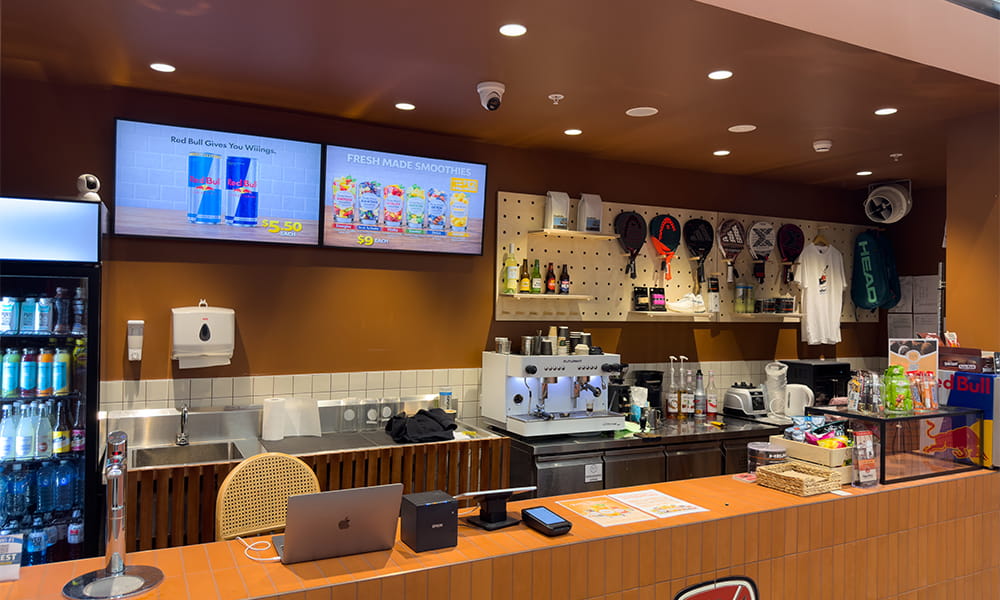
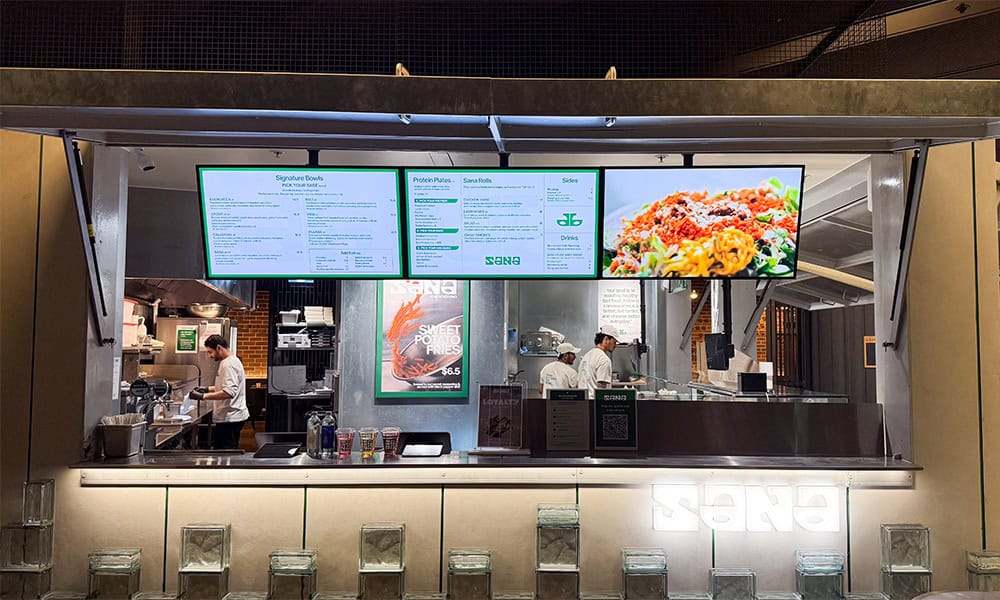
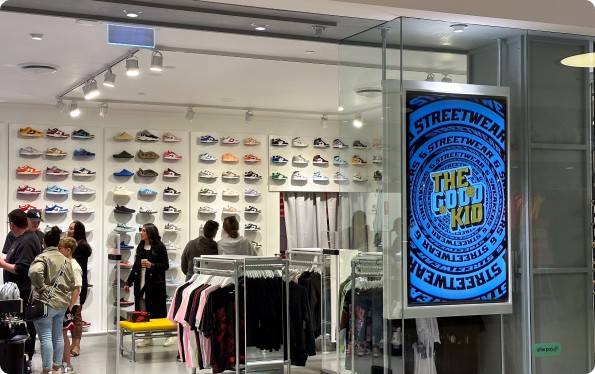
One platform, every space
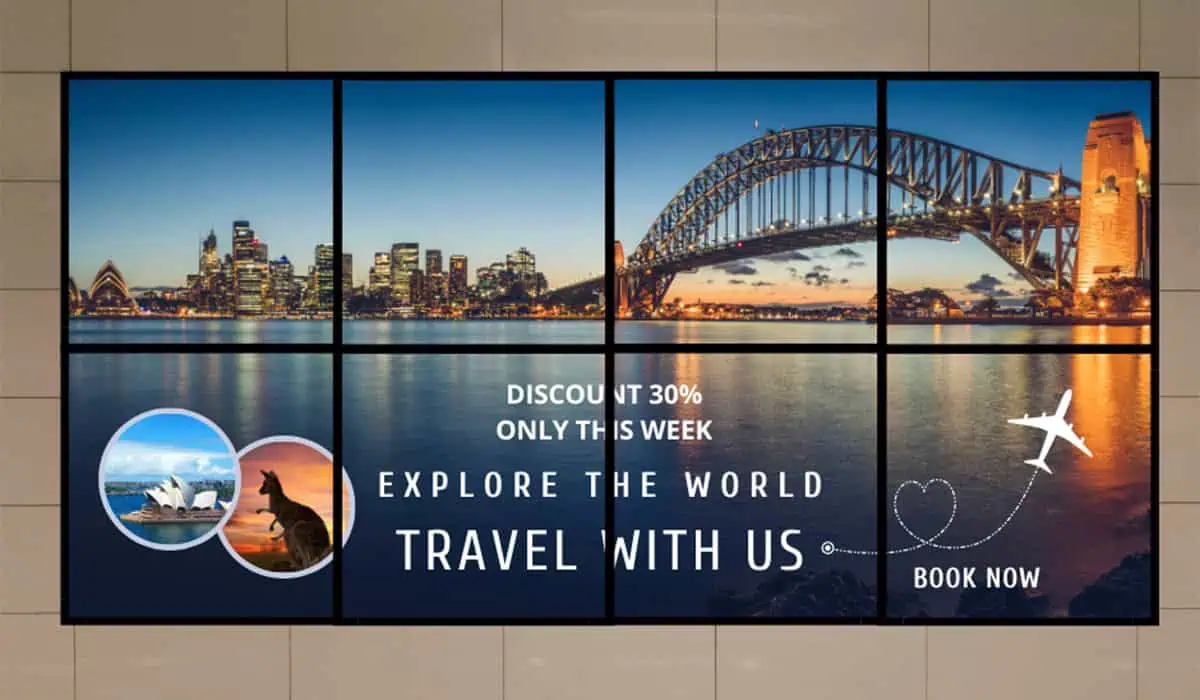
Easy Signage suits almost any setting where you want to show the right thing at the right time.

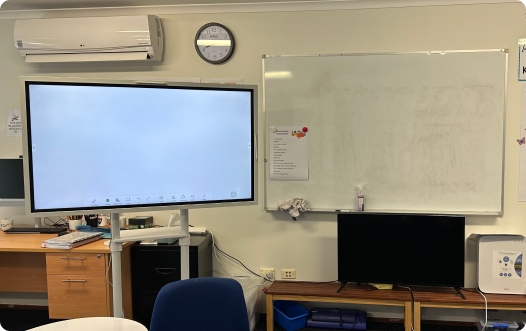
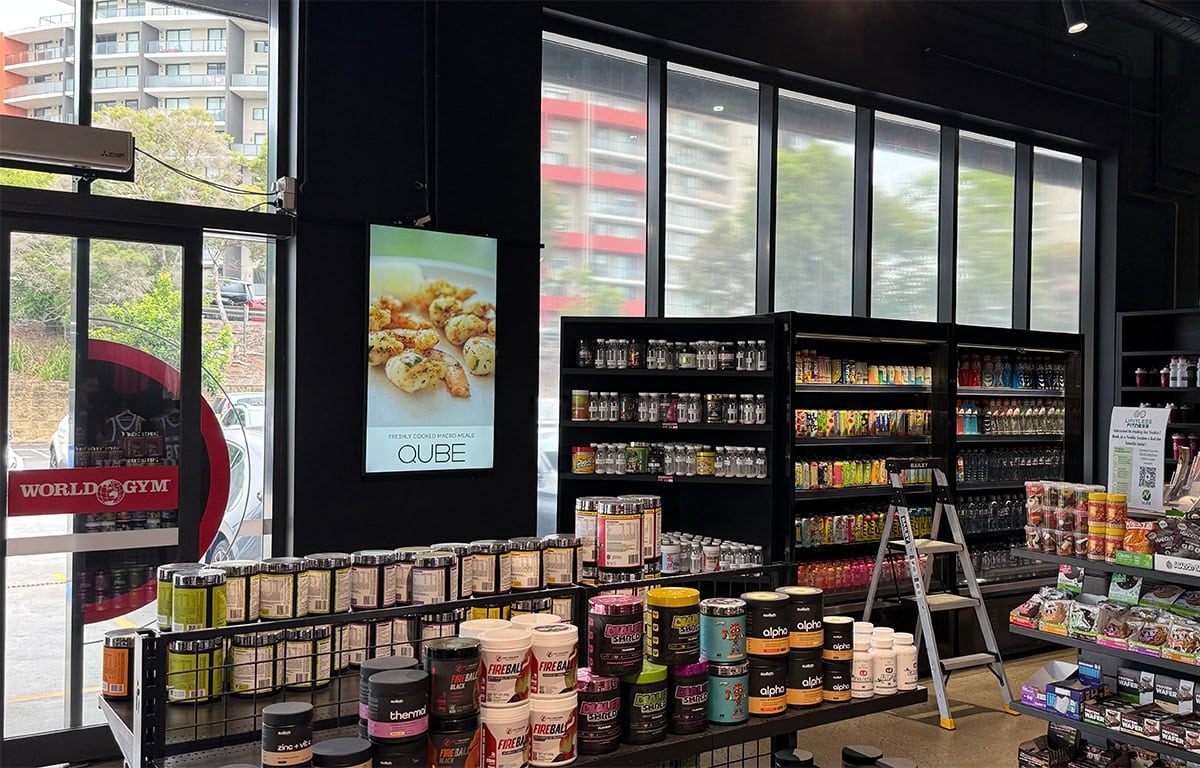
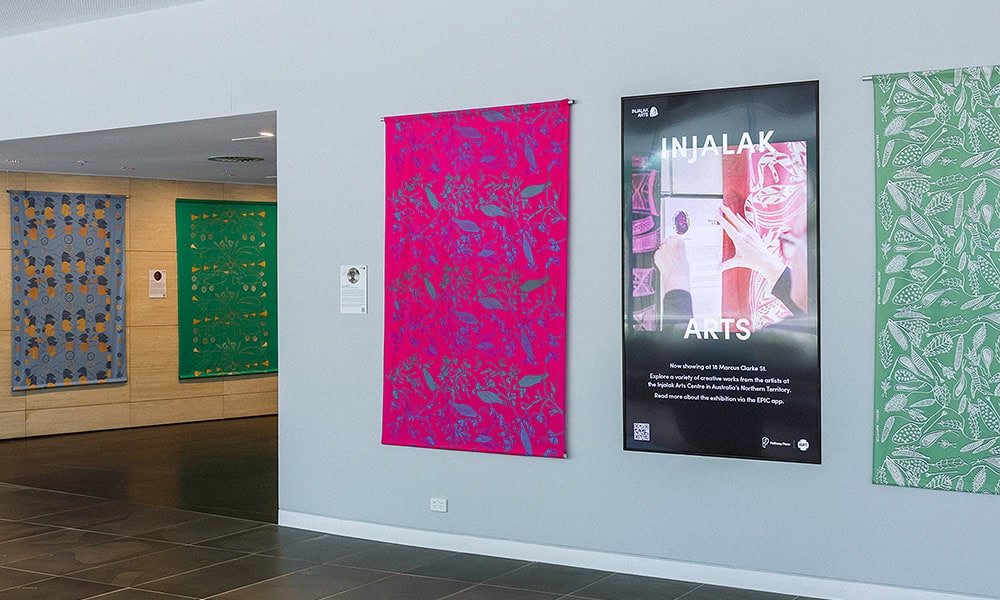
One team, faster turnaround
Most signage suppliers do one part of the job. We do all of it, and we move quickly. You deal with one team from the first enquiry to going live and beyond, we supply the hardware, license the digital signage software, and install it properly, so you get a complete digital signage solution from one place. When you need a change, you get fast support from a team that knows your setup.
Fast response is the difference. When a screen needs updating, or a new site comes online, you're dealing with a team that already knows your account and your hardware, not a ticket queue starting from scratch. That keeps installs moving and keeps your screens doing their job.
Yes. Easy Signage has a free plan that runs one screen, with a small watermark and limited storage. It's a good way to try the platform. For business use across multiple screens, the Premium plan removes the watermark and adds storage, team management and fast support.
The free plan covers one screen at no cost. Paid plans are charged per screen and billed yearly, with discounts for deployments of 100 or more screens. Talk to us for AUD pricing that includes the licence, installation and fast support.
Easy Signage runs on Android, Windows, Samsung Tizen, LG webOS, ChromeOS, Amazon Fire TV and Raspberry Pi, plus the dedicated EasySignage player. If you're not sure what to use, we'll supply and install the right screens for you.
Yes. We supply the screens, install them anywhere in Australia, and get Easy Signage licensed and running on each one. You get the hardware, software and installation from one team on one invoice, then the platform is easy enough to manage yourself.
You can buy through Display Australia. As a preferred Easy Signage partner, we license the software, install it on your screens, supply the hardware, and back it with fast support.
It's fully cloud-based. You manage everything from a browser, and there's no on-site server to maintain. Screens keep playing if the internet drops and resync when they're back online.
Yes. You manage unlimited screens across every site from one login, with content scheduling and syncing across the whole network.
Yes. Easy Signage supports Samsung Tizen and LG webOS, along with most other commercial display platforms.
Yes. Easy Signage is a cloud-based digital signage CMS. You manage all your content, scheduling and screens from one browser-based dashboard, with no on-site server to run.Yes. Easy Signage is a cloud-based digital signage CMS. You manage all your content, scheduling and screens from one browser-based dashboard, with no on-site server to run.
Often, yes. If your screens run a supported system such as Samsung Tizen, LG webOS, Android or Windows, Easy Signage can run on them directly. If they don't, a small media player connects to any screen with an HDMI port.
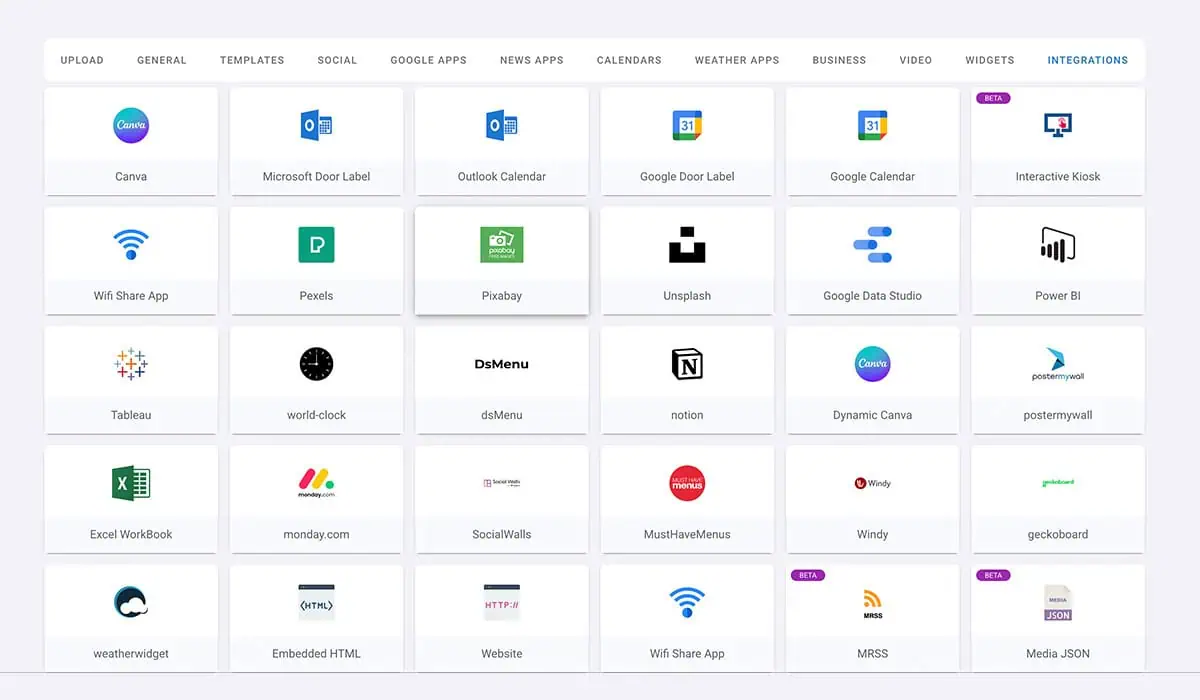
Images, video, text, web pages, live data and apps. That includes menus, promotions, social feeds, weather, countdowns, QR codes, Google Slides, Canva designs and Power BI dashboards. Anything you can build in the editor or pull from one of the 50+ integrations. Images, video, text, web pages, live data and apps. That includes menus, promotions, social feeds, weather, countdowns, QR codes, Google Slides, Canva designs and Power BI dashboards. Anything you can build in the editor or pull from one of the 50+ integrations.
Yes. You manage every site from one login, group screens by location, and push content to one store or all of them at once. It suits single venues and national networks alike.Yes. You manage every site from one login, group screens by location, and push content to one store or all of them at once. It suits single venues and national networks alike.
The screen keeps playing its current schedule from local cache, so customers still see your content. When the connection returns, it pulls any updates automatically. You won't get a blank or frozen screen.
It depends on the number of screens and the site, but most jobs are completed in a single visit, and many businesses are live within days of confirming an order. We'll give you a clear timeline with your quote.
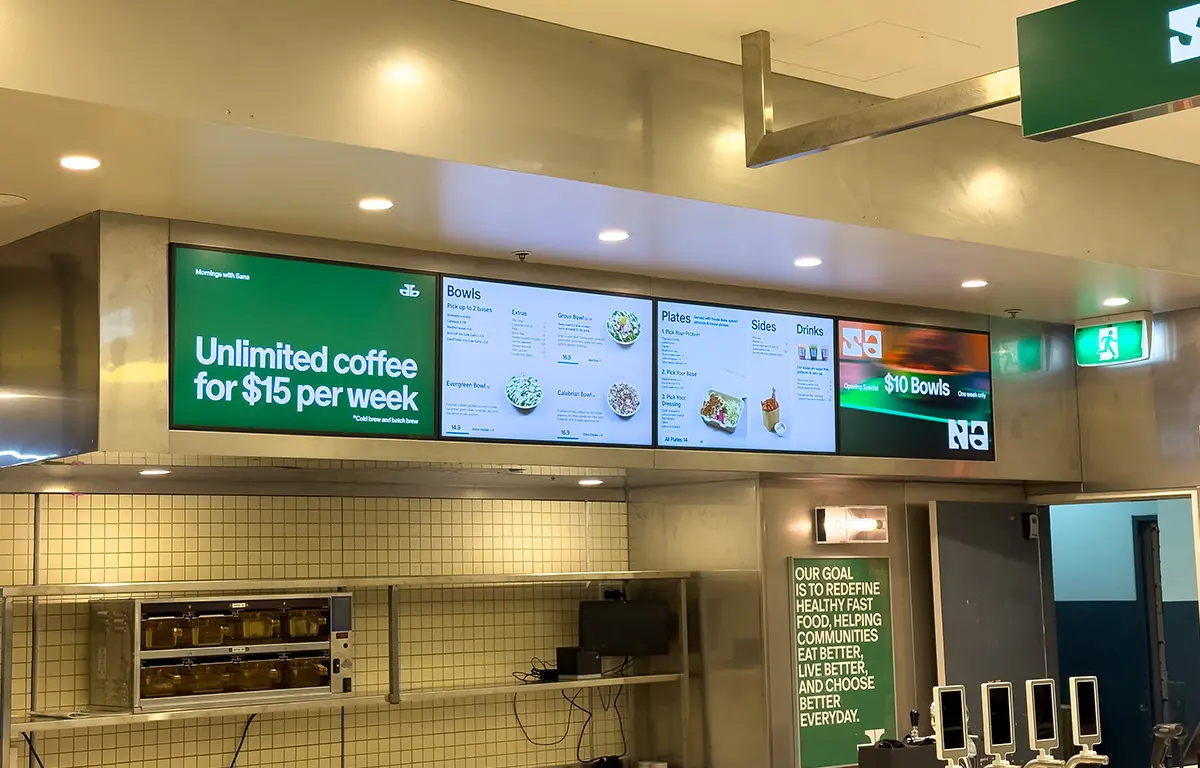
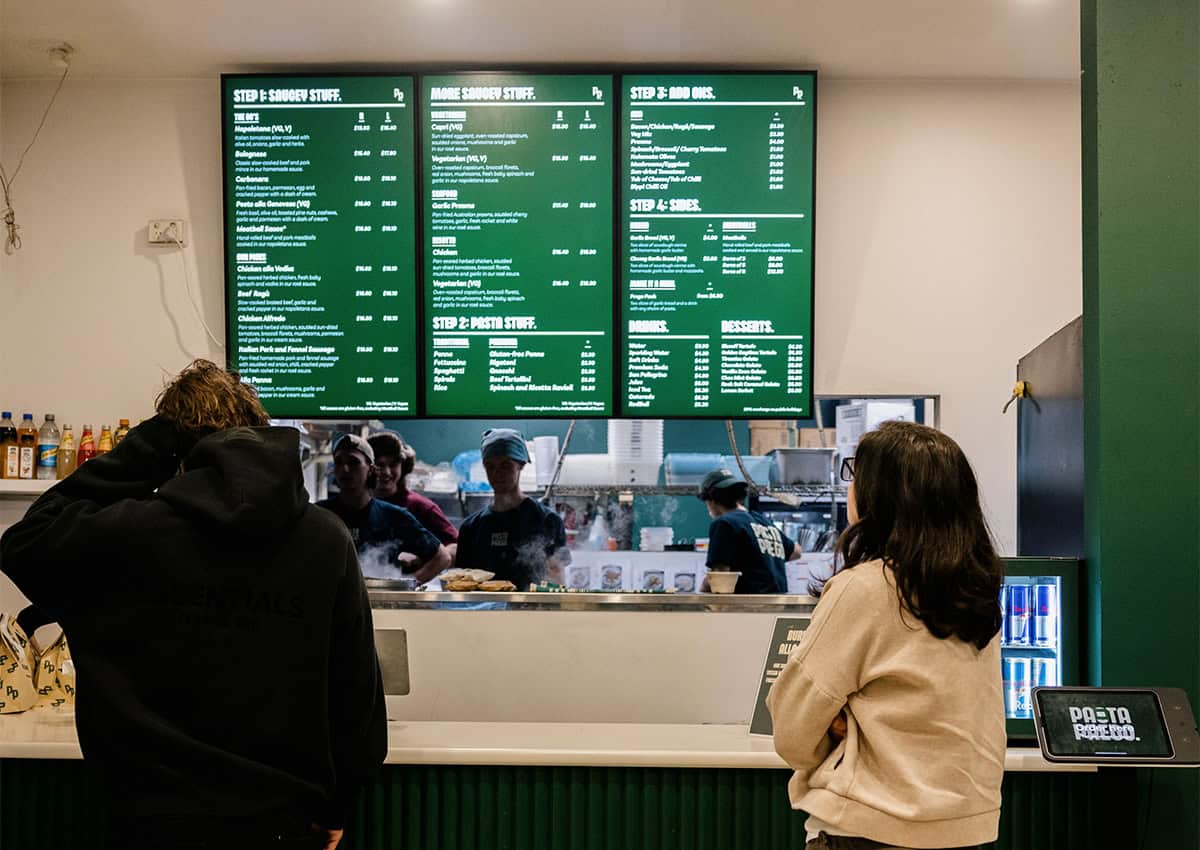
Restaurant digital signage is a system of commercial display screens used to communicate with customers and staff throughout a dining venue. It covers digital menu boards, outdoor displays, window screens and staff-facing operational screens. Unlike printed menus, it can be updated instantly from any internet-connected device. Price change, new special, full menu swap, it happens without a reprint or a trip to the venue.
A single commercial-grade menu board screen typically costs between $800 and $2,500 for hardware, plus a software subscription of $8 to $30 per month. A three-screen indoor menu wall generally runs $3,000 to $7,000 for hardware, with software costs of $30 to $80 per month depending on the platform. Outdoor screens and drive-through displays sit at the higher end because of the weatherproofing involved. Installation costs vary by venue. Display Australia provides fixed-price quotes based on your specific setup.
For standard indoor environments, the Samsung QxC series and LG UH series are the most commonly installed options. Both are rated for 24/7 commercial use and deliver 350 to 700 nits. For venues with large windows or bright interiors, the Samsung QMC steps up in brightness. For outdoor and drive-through applications, the Samsung OH series handles direct Australian sunlight with IP56 weatherproofing and up to 3,500 nits. Indoor panels in outdoor positions fail early and void the warranty, so it is worth specifying correctly from the start.
Yes. Platforms like Samsung VXT, Fusion Signage and OptiSigns let you update from any internet-connected device. Change a price, add a special, pull an item that has sold out; it all happens without visiting the venue. Most platforms also support scheduled updates so your breakfast and lunch menus switch automatically at set times, with no one touching a screen.
You need a content management system to control what plays on your screens. For Australian restaurants, Fusion Signage is a well-regarded Australian-built platform that works across multiple hardware brands and comes with local support. This handles menu templates, day-parting and remote management. The right choice depends on your hardware, how many screens you have and whether you are managing more than one location.
For a standard indoor environment with normal lighting, 500 nits is the minimum. Venues with large windows, skylights or strong overhead lighting need 700 nits or more. Window-facing or semi-outdoor positions need at least 2,000 nits. For fully outdoor signage and drive-through screens, 2,500 to 3,500 nits with IP rating is the range to look at. Australian sunlight is unforgiving on screens that are not built for it.
For most restaurants, yes. Especially if you change your menu regularly or promote specials and limited-time offers. Printing costs disappear. Updates happen immediately. High-quality food photography and smart layout draw attention to high-margin items in a way a laminated board cannot. The only real argument for printed menus is no ongoing software cost, and for most venues, that advantage disappears within 12 to 18 months once you account for what you were spending on reprints.
A single screen is typically two to four hours. A three to five-screen menu wall takes a full day. More complex setups with concealed cabling, outdoor enclosures or drive-through configurations can run two to three days. Display Australia handles the full process, from site assessment and hardware supply through to software setup and staff training.
Indoor displays are built for 500 to 700 nits and are not designed to handle moisture, dust or temperature variation. Outdoor displays have weatherproof enclosures rated IP56 or higher, anti-glare coatings and brightness of 2,500 to 4,000 nits. Using an indoor screen in an outdoor or semi-outdoor position voids the warranty, and the screen will fail early. It is a common mistake and an expensive one to fix after installation.
Not necessarily. Most commercial Samsung and LG displays have a built-in media player running Samsung Tizen or LG webOS, which means signage software runs directly on the screen with no extra hardware. If you are working with older displays or need more processing power for video walls or complex content, an external media player may be required. Display Australia can advise based on your setup.
