How to Pair a Samsung Display to the Samsung VXT CMS
Learn how to pair your Samsung display to the VXT CMS and start managing digital signage content in minutes.

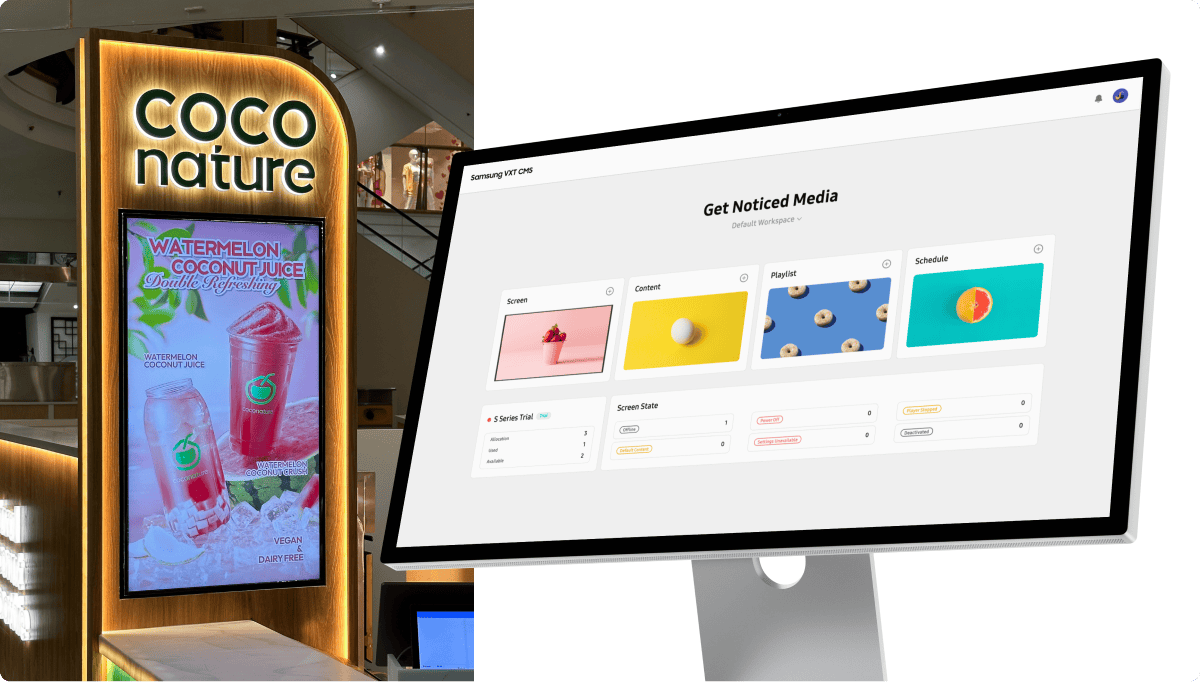
No matter what your goals may be, Samsung VXT is the right digital signage software to help you achieve them.
Whether you’re creating a DIY menu board, providing entertainment to clients in the waiting room, providing information to the corporate office, or installing a digital signage network in a chain of retail stores, Samsung VXT is up to the task.

Full plan overview and features can be found on the Samsung website (USD pricing shown)
Unlike many digital signage software solutions that primarily focus on content management, Samsung VXT is the only digital signage company that makes both the display hardware and the software – making it a full-stack solution.
Both content and screen management solutions include features that are customisable to adjust to varying audiences and business demands.


Every interface of Samsung VXT display signage software is separately adapted for mobile devices as well, meaning that users can manage content on both a PC and mobile phone, wherever they may be.
The UX of Samsung VXT is designed to accommodate both power users on PC and on-the-go users on their mobile phones.
The cloud-native structure of Samsung VXT digital display software enables businesses to deploy and update software directly. With fast license provisioning, digital signage display registration can be quickly executed with a simple 6-digit pairing code.
This fast initial set-up and update process allows businesses to stay agile from start to finish, ensuring their digital signage system delivers maximum results.

By creating content tailored to your specific promotion purposes, you can create brand awareness and drive increased sales. Third-party ads displayed in waiting areas and on elevator screens can also generate additional revenue. Plus, all that content can be managed seamlessly across a variety of locations and devices from anywhere around the globe.
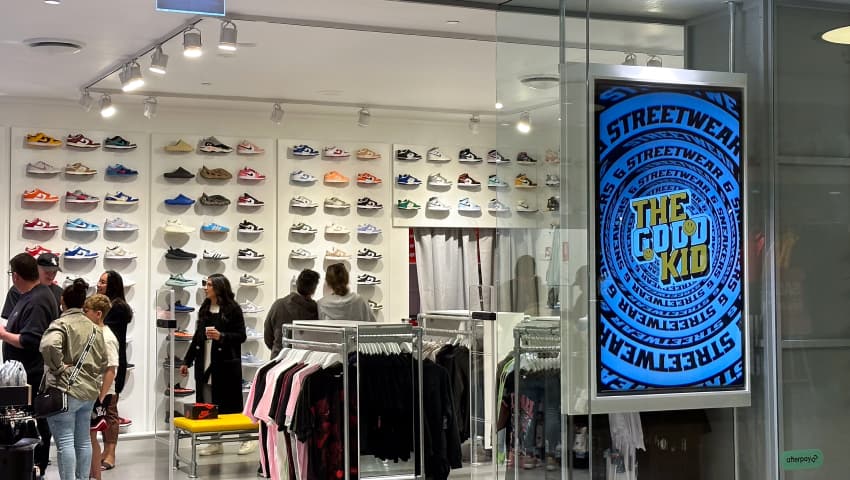
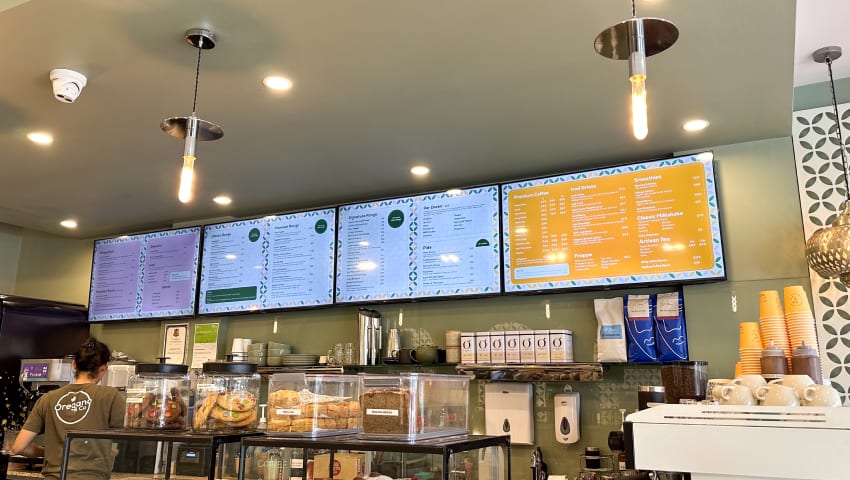
Samsung VXT transforms guest experiences with dynamic displays providing easy access to information and promotions. From interactive wayfinding maps to real-time updates on services and events, it enhances convenience and engagement while optimizing operational efficiency with streamlined processes and effective staff communication tools.
Samsung VXT is a popular choice for corporate digital signage deployments, covering everything from lobby screens to meeting room booking displays.
Quickly and easily check meeting room occupation status using the Meeting Room Widget installed on digital displays, ensuring better efficiency. Important notifications and messages can be instantly deployed across a network of displays, as well as convenient control of settings and security using Device Management which enables strengthened and more seamless employee communication.

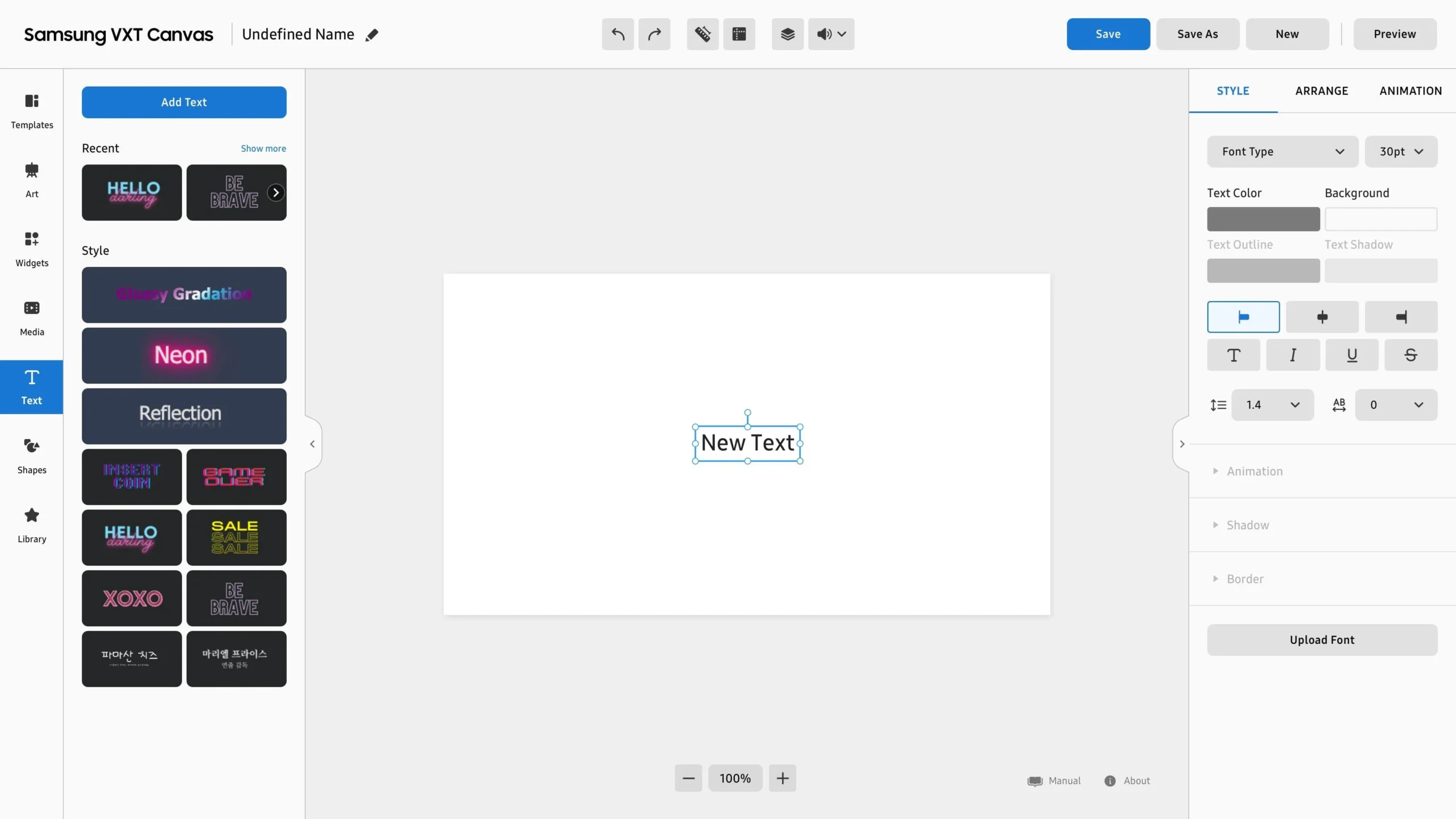
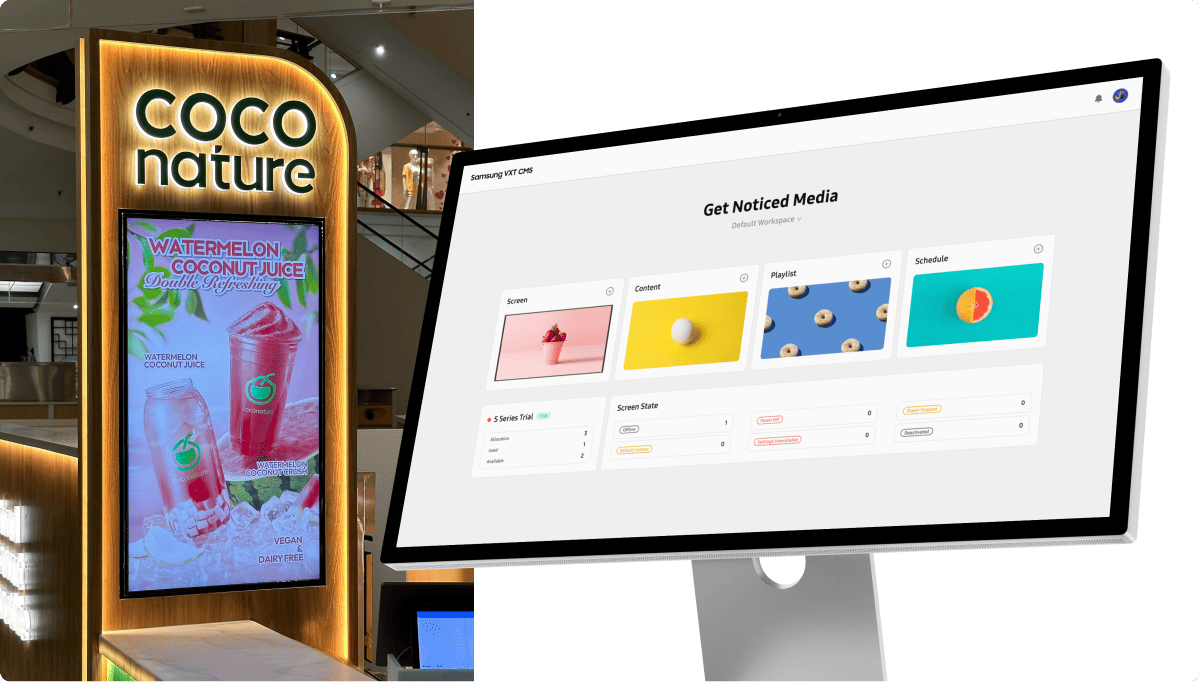


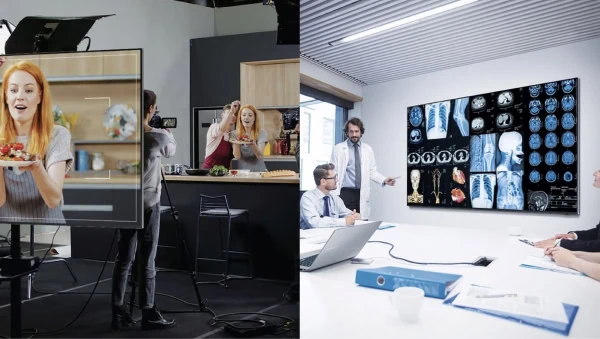
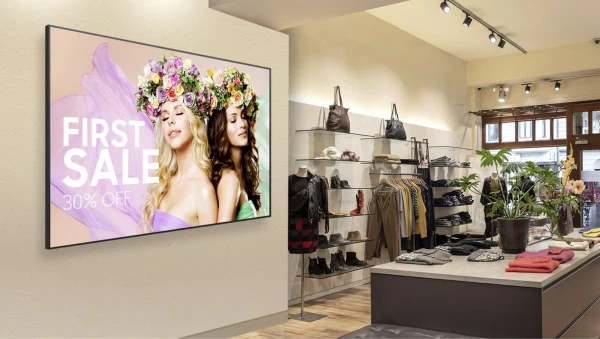



Samsung VXT features an intuitive content creation tool called VXT Canvas that allows anyone to effortlessly create content. Users can create their own original content along with their custom and company fonts or utilize a variety of assets such as 150+ pre-designed templates and images pre-loaded on the system.

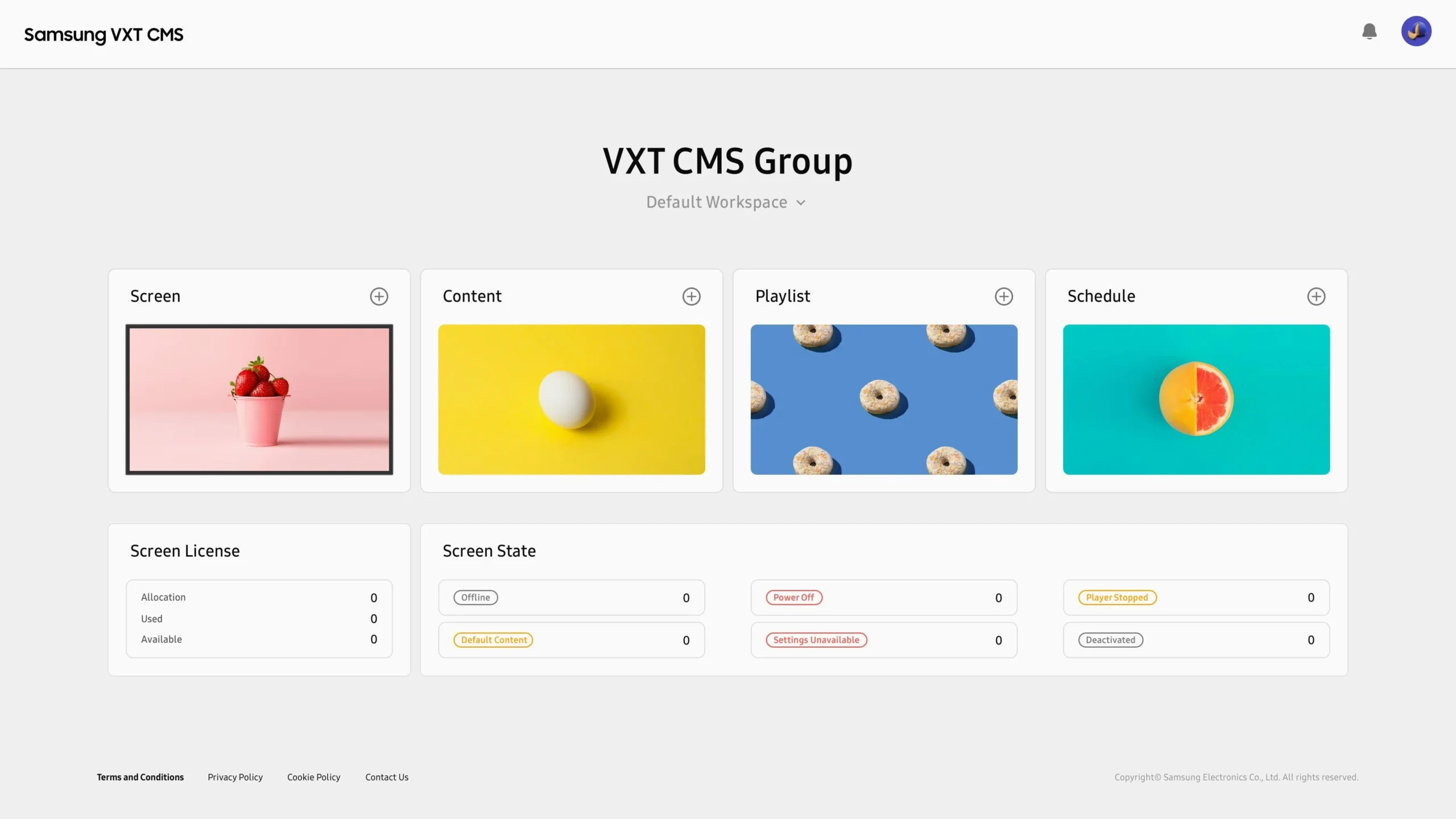
Maximize your audience without draining your resources. Content Management simplifies the process of creating, organizing, and scheduling content across various screens. You can effortlessly manage multiple content sets on one dashboard, arrange them into playlists, and schedule them for deployment using a calendar view.

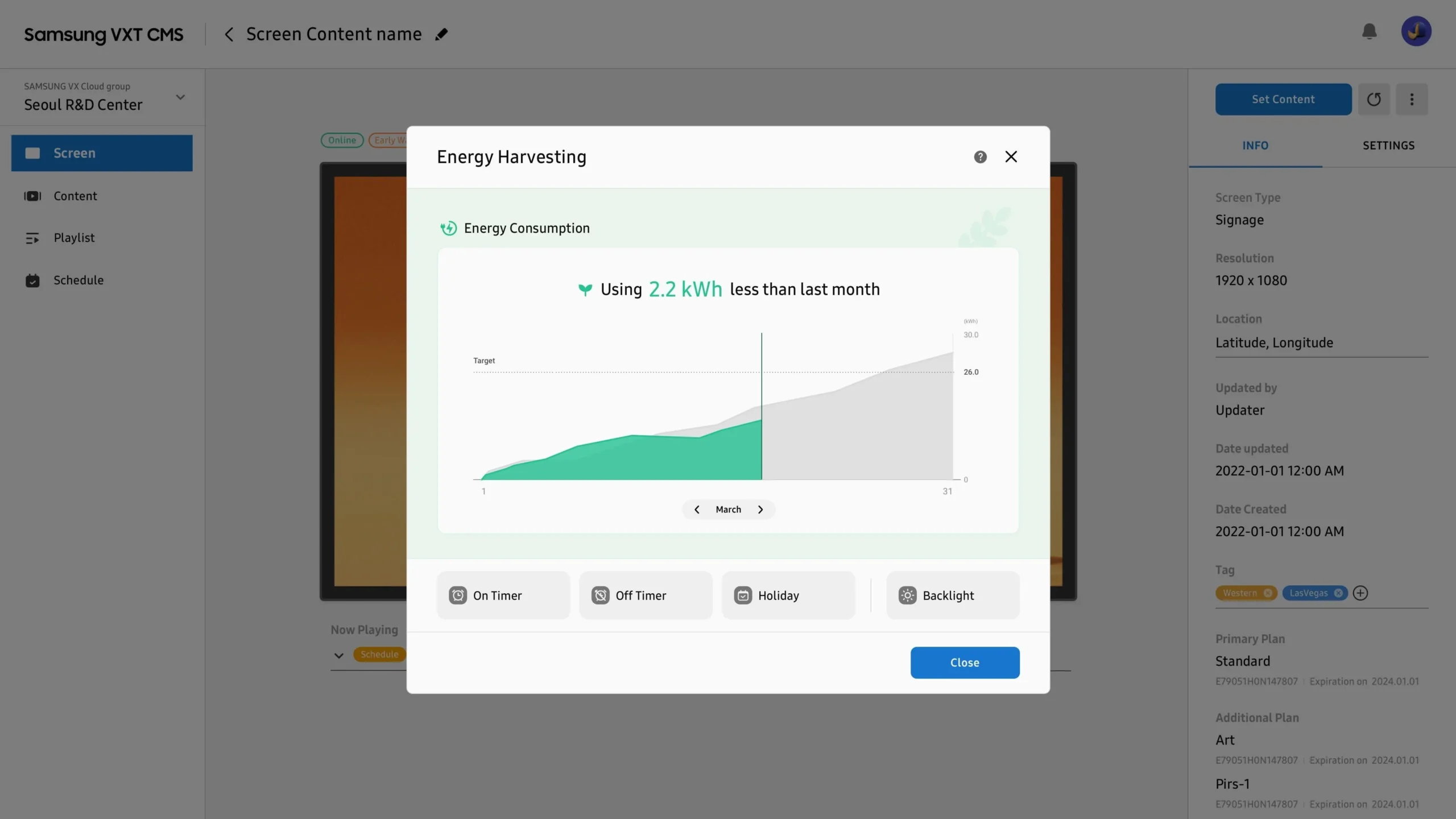
Samsung VXT streamlines remote screen management and security. It offers features like remote power control, screen orientation adjustment, and software updates, reducing the need for on-site visits. Unlike competitors focusing solely on content management, Samsung VXT provides comprehensive control over both content and screen management.

Conveniently check the current status of content playback through real-time control (streaming). Unlike conventional solutions, which offer status checks through captured images, Samsung VXT users can view the content streaming live to screens. Take monitoring to the next level by ensuring that the right content is playing during the right time.
Yes! VXT CMS provide you with up to 3 free trial licenses for up to 60 days. You can basically use entire contents management features to test if VXT CMS suits your business.
* For VXT Art, you can view the artworks in VXT Canvas, but you cannot distribute them to your screen.
Samsung VXT can be purchsed in Australia from a authorised reseller such as Display Australia. Contact us to purchase a license.
You would need your own Samsung Account to use the VXT service. You can create a Samsung account and register for VXT here.
Choosing the right digital signage software solutions involves considering various factors to ensure it meets your specific needs and objectives. Clearly define what you want to achieve with digital signage. This could include advertising, information sharing, branding, or enhancing customer experience. Look for software that offers robust content management capabilities. This includes ease of updating content, scheduling, and managing different types of media. The software should have an intuitive and user-friendly interface.
It should be easy for your team to use, regardless of their technical expertise. Ensure the software is compatible with your existing hardware and can integrate seamlessly with other systems or software you use, such as CRM systems, social media platforms, or analytics tools.
The cost of digital signage can vary significantly depending on several factors. Display screens, for instance, can range from budget-friendly consumer models to premium commercial-grade displays built for 24/7 operation. Digital signage software also differs in pricing, with options ranging from one-time licence fees to ongoing subscription models, often based on features such as content management, scheduling, interactivity, and analytics.
Content creation costs are another consideration, as professionally produced media can impact the overall investment. Installation expenses may rise for more complex configurations, such as multi-screen setups or custom mounting solutions. In addition, ongoing maintenance costs—including software updates, hardware repairs, and technical support—should be factored into the total cost of ownership. Operational expenses, such as electricity usage and internet or data costs for content streaming, also contribute to the long-term investment.
Cloud-based digital signage systems can help offset costs by removing the need for on-site media players or computers. They also eliminate the ongoing expenses associated with printing, mailing, and manually updating static signage, while reducing the marketing, sales, and labour costs involved in keeping communication materials current.
