
Learn how Australian cafes and QSR venues are automating their digital signage through scheduling and live pricing updates.
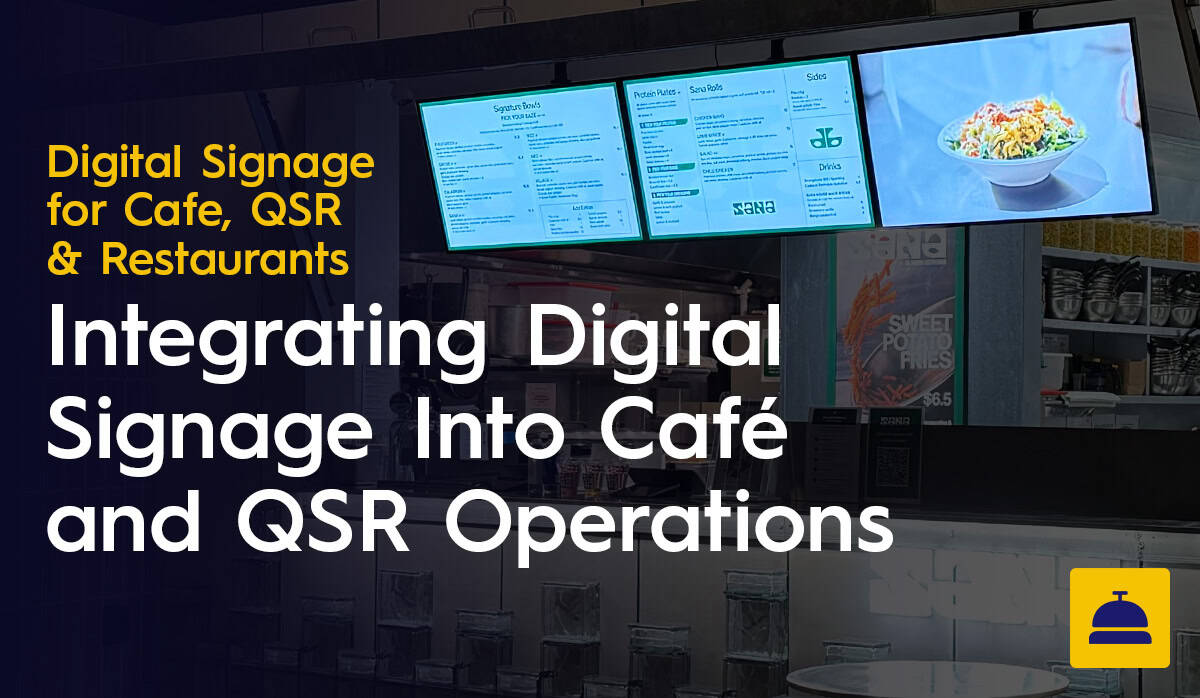
There is a version of digital signage that is not much more sophisticated than a printed board. You design a menu, upload it to the screen and update it manually whenever something changes. It is better than printing, but it is not taking full advantage of what digital signage software can do.
The more effective approach is to integrate your digital signage into the operational rhythm of your venue, so that content updates, pricing changes and promotional schedules happen automatically or with minimal manual input. For cafes and QSR venues managing content across busy service periods and multiple locations, this is where the real efficiency gains are found.
Scheduling is the most fundamental integration capability in digital signage software and the one that delivers the most immediate operational benefit for cafes and QSR venues.
Rather than manually switching menus between service periods, scheduling allows you to define in advance exactly what content appears on each screen at each time of day. Your breakfast menu appears from opening until 11am. The lunch menu takes over automatically. An afternoon specials panel activates at 2pm. A happy hour promotion runs from 4pm to 6pm on Fridays only. All of this happens without anyone touching a screen or logging into the software on the day.
For QSR venues running high volumes across multiple dayparts, this removes an operational dependency entirely. For cafe operators managing multiple locations, it means every site transitions to the correct menu at the correct time without any coordination required from the team.
One of the most practical integration options available through Fusion Signage is the ability to connect menu content to a Google Sheets spreadsheet. This means that pricing and product availability can be updated by editing a spreadsheet rather than logging into the signage platform and modifying individual screen layouts.
For operators who are comfortable with spreadsheets but less familiar with signage software, this is a significant usability advantage. A manager can update a price in Google Sheets, and the change is reflected on the relevant screens automatically. For multi-site groups, a single spreadsheet can drive pricing updates across every location simultaneously, removing the need to log into each site's content individually.
This approach also supports live inventory management. Items that sell out can be flagged in the spreadsheet and removed from the on-screen menu in real time, without requiring someone to access the signage software directly. In a busy service environment, that speed and simplicity matters.
For cafes and QSR venues with an active social media presence, integrating live social feeds into digital signage screens can serve a dual purpose: it populates screens in non-menu zones with current, engaging content, and it reinforces the venue's social presence to customers who are already on-site.
In a cafe context, a wall-mounted display running a live Instagram feed of customer photos, seasonal specials and behind-the-scenes content adds a layer of personality and authenticity that static promotional graphics rarely achieve. It also reduces the content creation burden because the social feed handles one zone of the screen without requiring additional design work.
Fusion Signage supports social media feed integration, which can be configured to pull from a specific account or hashtag and displayed as a component within a multi-zone screen layout alongside the fixed menu content.
Beyond specific integrations, the broader opportunity for cafes and QSR venues is to design content workflows that minimise recurring manual tasks from the outset. A few practical approaches worth considering:
Build a content calendar in advance: Seasonal menus, promotional periods and event-based content can all be scheduled weeks or months ahead. Front-loading this work means day-to-day menu management requires minimal intervention.
Use templates for recurring content types: A well-designed template for weekly specials, combo deals or seasonal promotions can be updated quickly by swapping text and images rather than rebuilding layouts from scratch. Good signage software comes with a template library or allows you to save your own.
Centralise pricing updates via Google Sheets: For venues updating pricing regularly, connecting menu content to a Google Sheets document removes the need to edit screen layouts directly and keeps pricing consistent across all screens.
Set and forget promotional schedules: Recurring promotions that run on specific days or at specific times, such as a Tuesday special or a Friday afternoon offer, can be scheduled once and run automatically on a recurring basis without any further input.
An effectively integrated digital signage setup for a cafe or QSR venue means that the team rarely needs to think about the screens during service. The content is current because it is updated through systems the team already uses. Promotions run when they are supposed to without someone remembering to change them. Pricing is accurate because updates made in one place flow through to every screen.
This is achievable without technical expertise or complex IT infrastructure. The tools are accessible, the setup is straightforward with the right guidance and the ongoing management burden is minimal once the workflows are in place.
Display Australia helps cafes and QSR operators across Australia configure their digital signage software for maximum efficiency. We integrate Fusion Signage, advise on integration setup and handle everything from installation to ongoing support.
Get in touch with the Display Australia team for a no-obligation quote.

Integration means connecting your digital signage software to the operational systems of your venue so that content updates happen automatically or with minimal manual input, rather than requiring someone to log in and make changes each time. In practice, that covers scheduled day-parting for automatic menu transitions, Google Sheets connectivity for live pricing updates and social media feed integration for content zones that would otherwise need someone to maintain them.
Day-parting lets you define in advance what content appears on each screen at each time of day. Breakfast runs until 11am, lunch takes over automatically, an afternoon specials panel activates at 2pm and a happy hour promotion runs from 4pm to 6pm on Fridays. None of it requires anyone to touch a screen on the day. Recurring schedules, like a Tuesday special or a standing Friday afternoon offer, can be set once and run automatically from there.
Yes. Fusion Signage supports Google Sheets integration, so pricing and availability can be updated by editing a spreadsheet rather than logging into the signage platform. Update a price in Google Sheets and it flows through to the relevant screens automatically. For multi-site groups, a single spreadsheet can push pricing updates across every location at once. Items that sell out can also be flagged in the spreadsheet and removed from the on-screen menu in real time.
Yes. Digital Signage Software supports social media feed integration, configurable to pull from a specific account or hashtag and displayed as a component within a multi-zone layout alongside fixed menu content. A display running a live Instagram feed of customer photos, seasonal specials or behind-the-scenes content adds personality while reducing content creation work. The feed handles one zone of the screen without requiring additional design.
Build a content calendar in advance so seasonal menus, promotional periods and event-based content are scheduled weeks or months ahead. Use templates for recurring content types so weekly specials or combo deals can be updated by swapping text and images rather than rebuilding layouts. Connect pricing to Google Sheets to avoid editing screen layouts directly. Set recurring schedules for standing promotions so they activate automatically without any further input.
No. Google Sheets connectivity, social media feed integration and scheduled day-parting can all be configured without IT expertise and maintained by non-technical staff. Display Australia advises on integration setup as part of the installation and onboarding process, so the workflows are in place from day one.
The team rarely needs to think about the screens during service. Content is current because it updates through systems the team already uses. Promotions run when they are supposed to without someone remembering to change them. Pricing is accurate because an update made in one place flows through to every screen. Once the workflows are in place, the ongoing management is minimal.
